
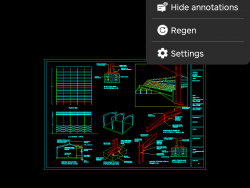
How to change the version of CAD drawing in mobile DWG FastView?
What should I do when the lower version of the CAD software cannot open the higher version of CAD drawings? It's very simple, just convert the CAD drawing version. So without a computer, can the mobile phone CAD viewing software convert the CAD drawing version? of course ! Let me share with you the relevant Read More ...

 English
 Tiếng Việt
 Türkçe
 Español
 Français
 हिन्दी
 日本語
日本語 Português
 Bahasa Indonesia
 اردو
اردو Русский
 العربية
 한국어
한국어 ไทย
ไทย Bahasa Melayu
 Italiano
 Deutsch
 Ελληνικά
 فارسی
فارسی Română
 Polski
 ພາສາລາວ
 ဗမာစာ
ဗမာစာ বাংলা
বাংলা 繁體中文
繁體中文 Українська