
Learn to master block operations in DWG FastView
In CAD, DWG FastView for Windows excels in block handling. It offers a robust set of block management features.
You can create blocks from objects, then save them for future use or add to the Block Library, ensuring efficiency and design consistency across projects. The software also allows you to easily view all blocks within a drawing, making identification and modification straightforward.
Also you can edit block attributes directly within the software to customize parameters like text, dimensions, or materials. Need to locate a saved block? View and copy its local file path, stored as a drawing file on your computer, for easy access or sharing.
When you need to edit individual components of a block, simply explode it. This breaks the block into parts, giving you the freedom to select and edit each element precisely.
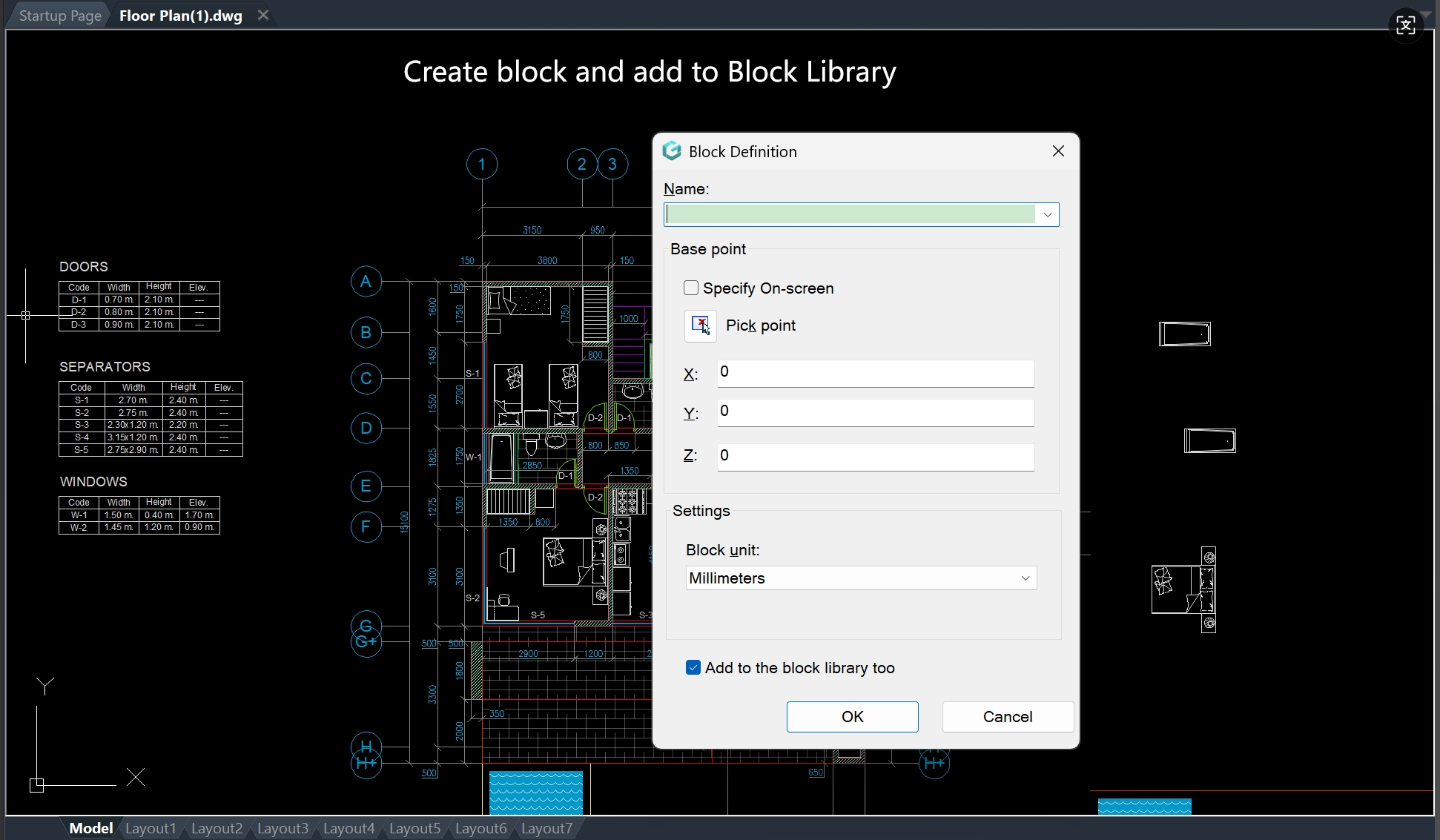
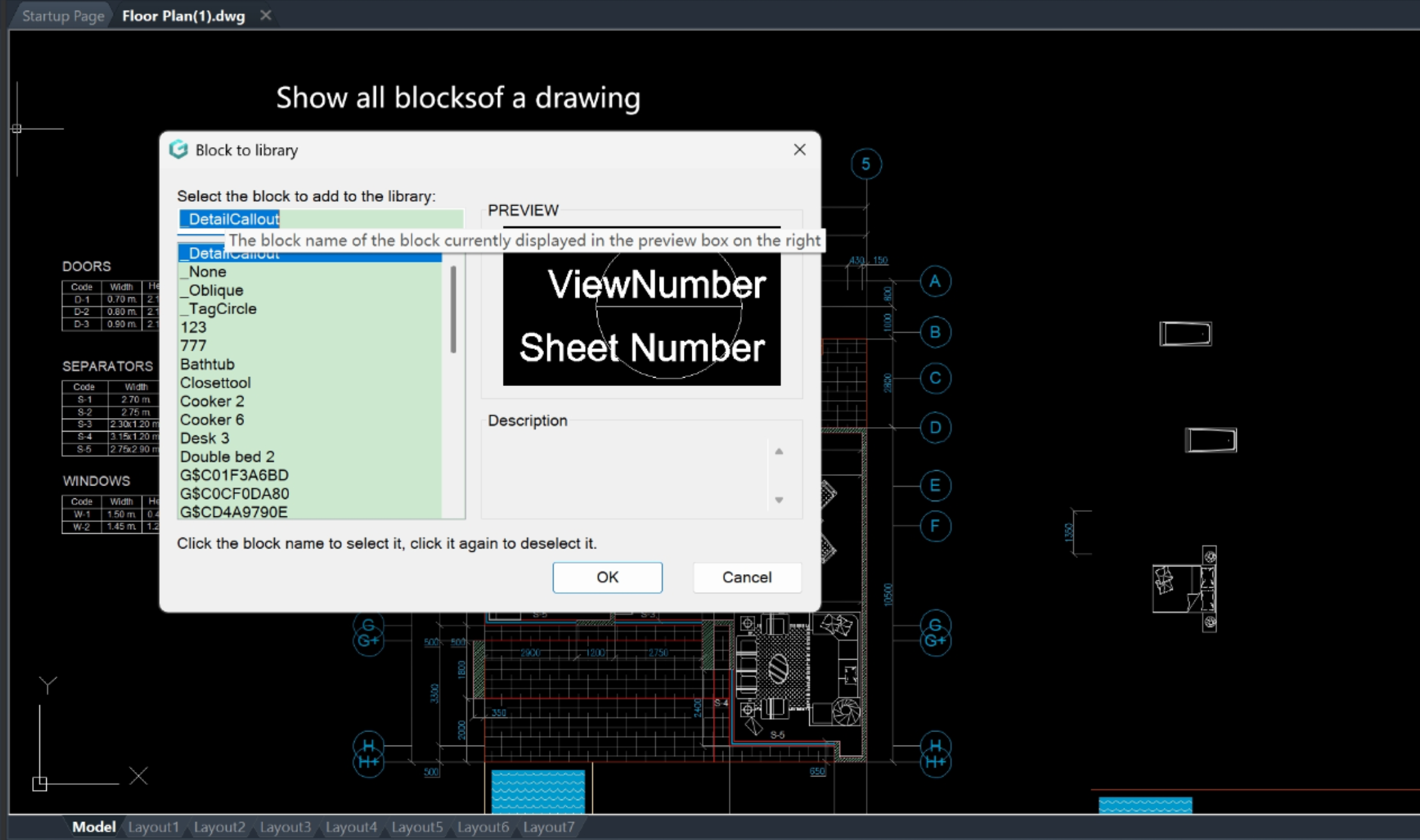
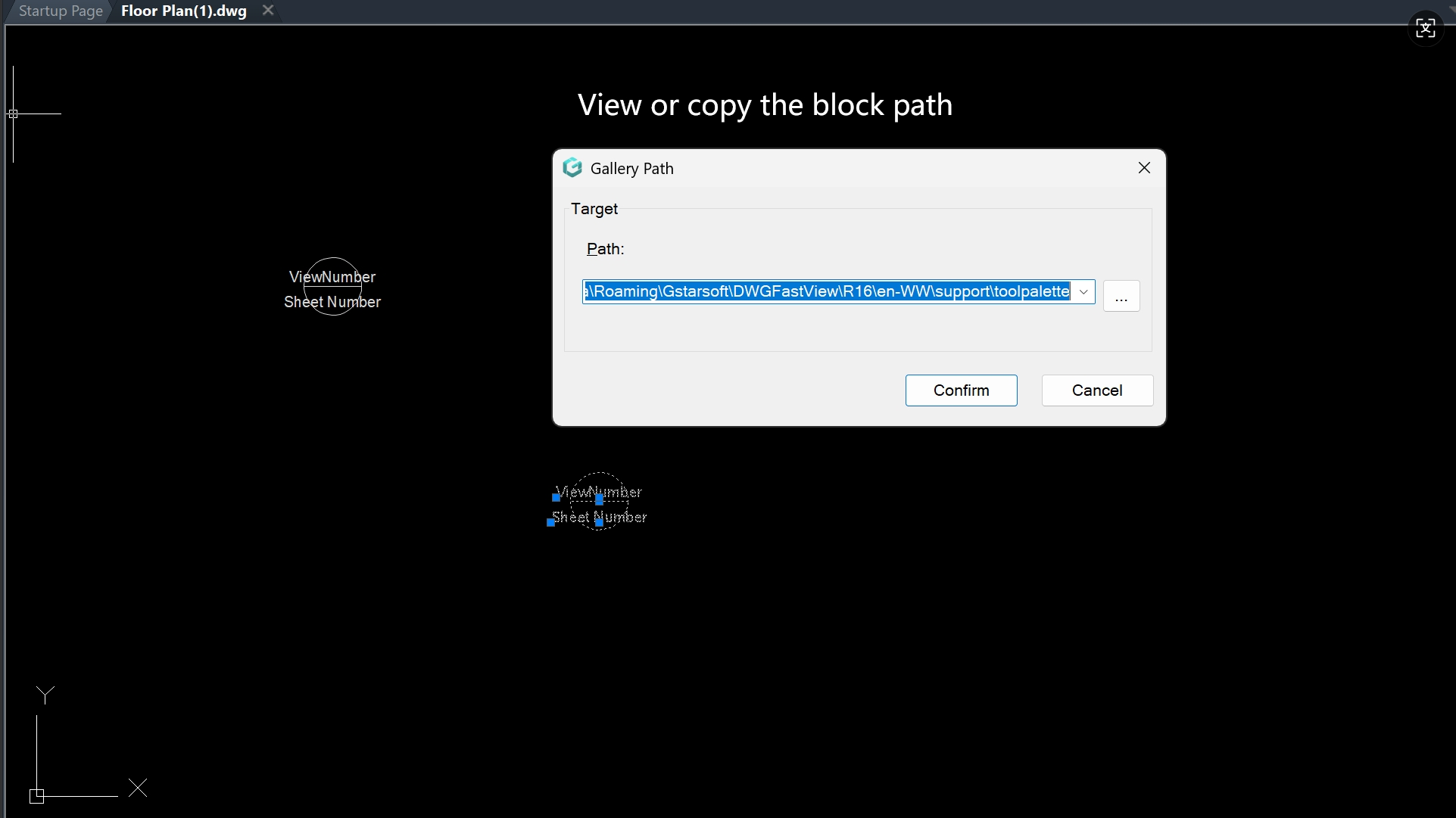
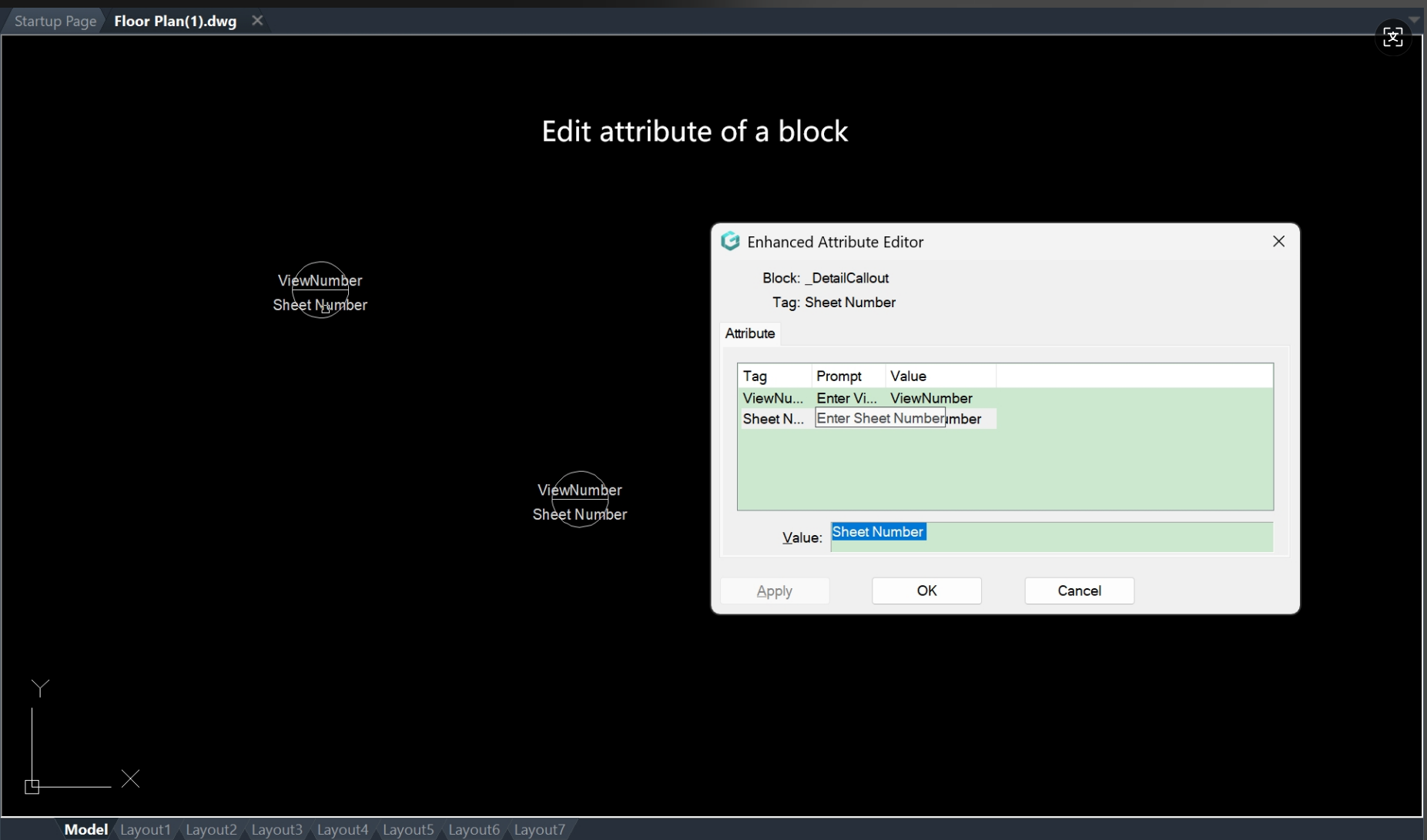
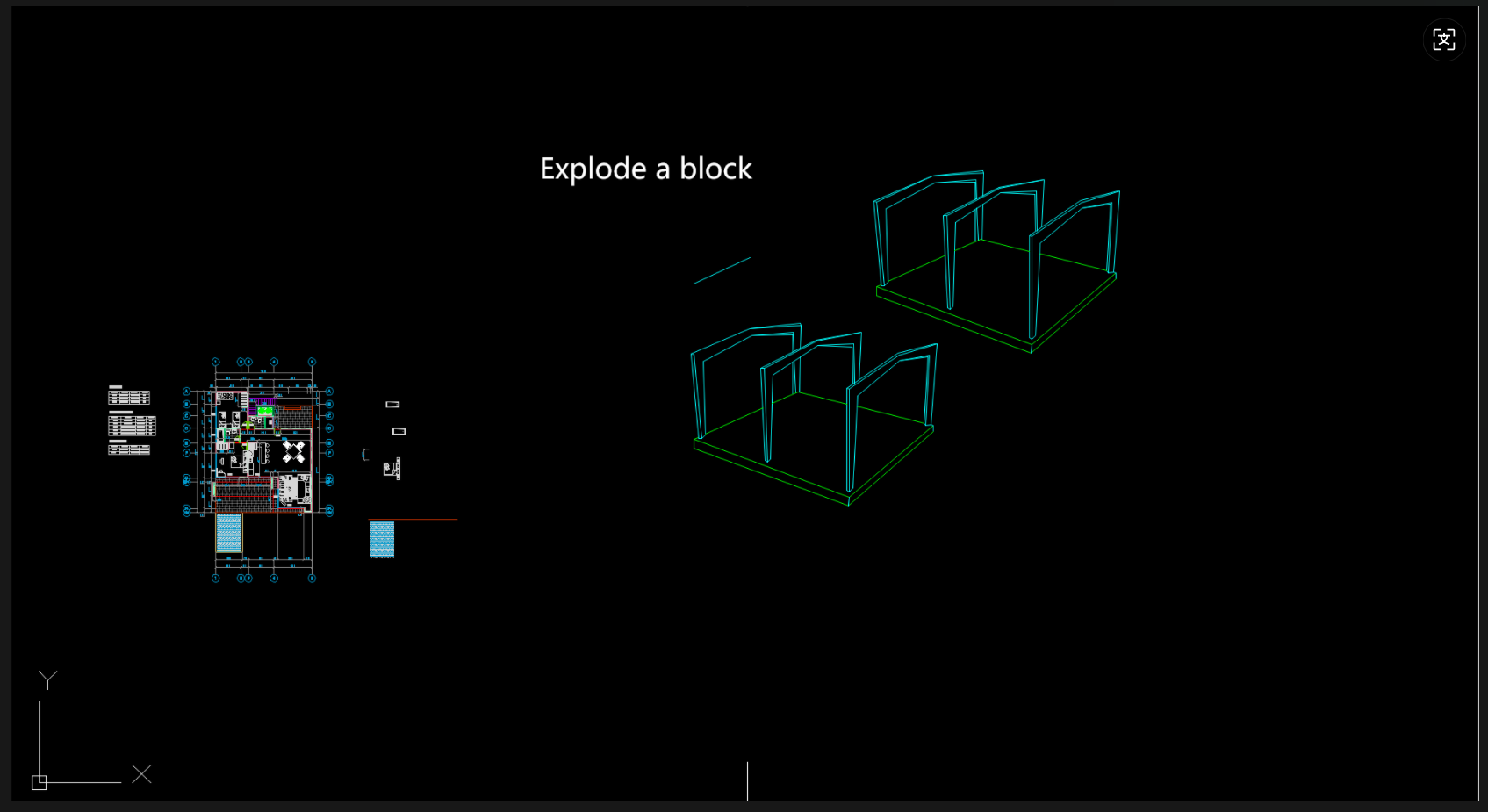
For CAD users aiming to streamline workflow and make precise edits, DWG FastView for Windows' block operations are essential.
Download DWG FastVew for Windows to try this feature and you have 10 minute free trial every day.

Sure you can operate blocks on mobile version too. Whatever you subscribe on Windows or Mobile(Google play or iOS appstore), one account can be used on multiple platforms such as Web, Windows or Mobile and the annotations or dimensions you made on the drawing can be synced across different devices and platforms.
If you are now on mobile phone, you can enter your email below and you will receive a download link of the Windows version or just upgrade from mobile version.

📥 Apply for PC Download Link from Mobile Phone
Reading on your phone? Enter your email address below and we will immediately send the DWG FastView for Windows download link to your inbox.
Related Posts
Comments & Discussion
✍️ Leave a Reply
Your email address will not be published. Required fields are marked *