
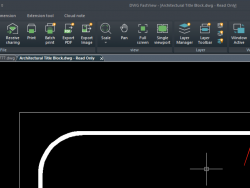
Understand the Setting of DWG FastView for PC
We have learned Cloud features and Logo-clicking features of DWG FastView for PC in last week. And today let's learn the setting part. Start DWG FastView for PC and open any drawing. On the right there is a Setting. Click it and you will see: Here you can change background color such as mine, which Read More ...
 English
 Tiếng Việt
 Türkçe
 Español
 Français
 हिन्दी
 日本語
日本語 Português
 Bahasa Indonesia
 اردو
اردو Русский
 العربية
 한국어
한국어 ไทย
ไทย Bahasa Melayu
 Italiano
 Deutsch
 Ελληνικά
 فارسی
فارسی Română
 Polski
 ພາສາລາວ
 ဗမာစာ
ဗမာစာ বাংলা
বাংলা 繁體中文
繁體中文 Українська