
한국어판 | 원문: 영어
영어로 전환 → 업데이트: DWG FastView가 WhatsApp에서 작동(공유 및 열기)
이전 글에서 실수를 했습니다: 나는 말했다 DWG FastView에서 WhatsApp으로 파일을 공유할 수 없습니다.. 그렇지 않습니다.
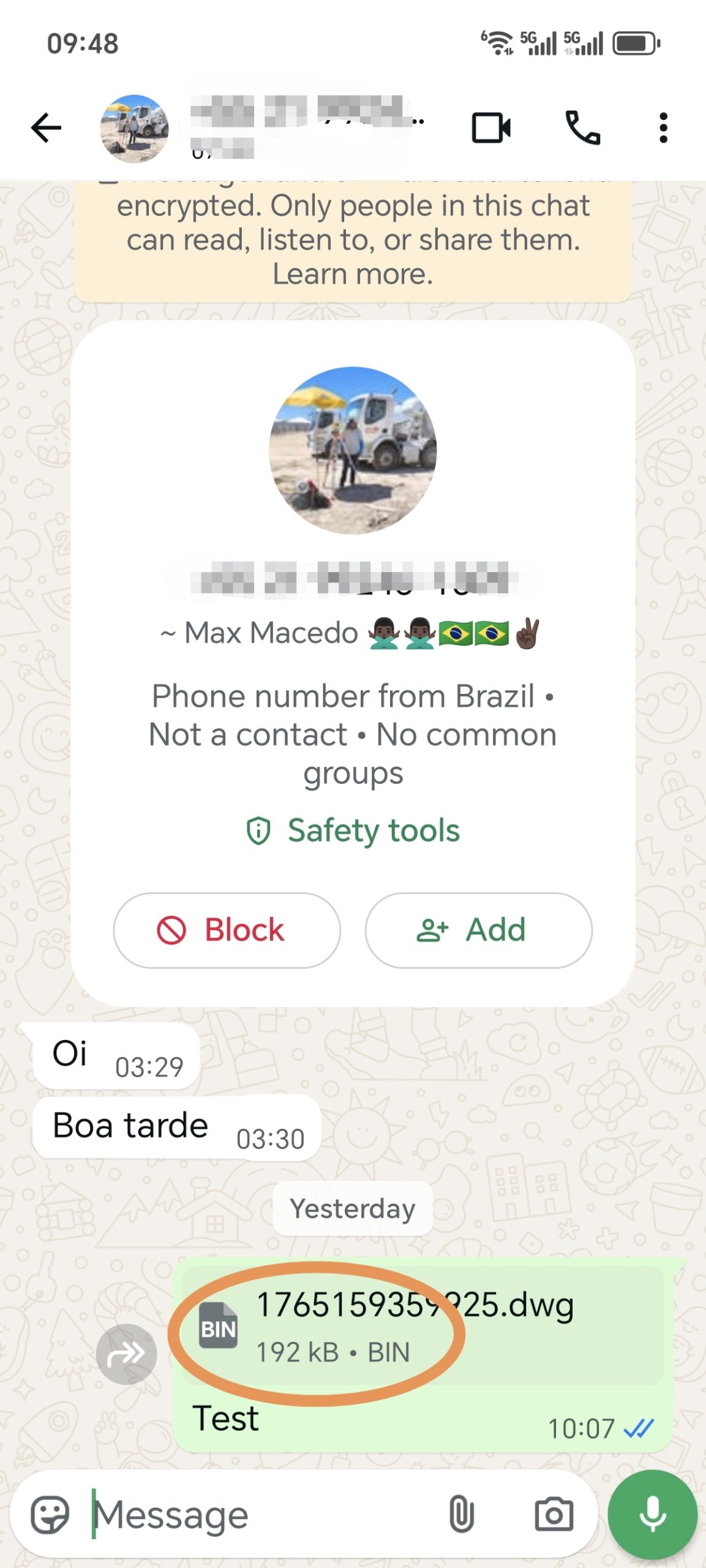
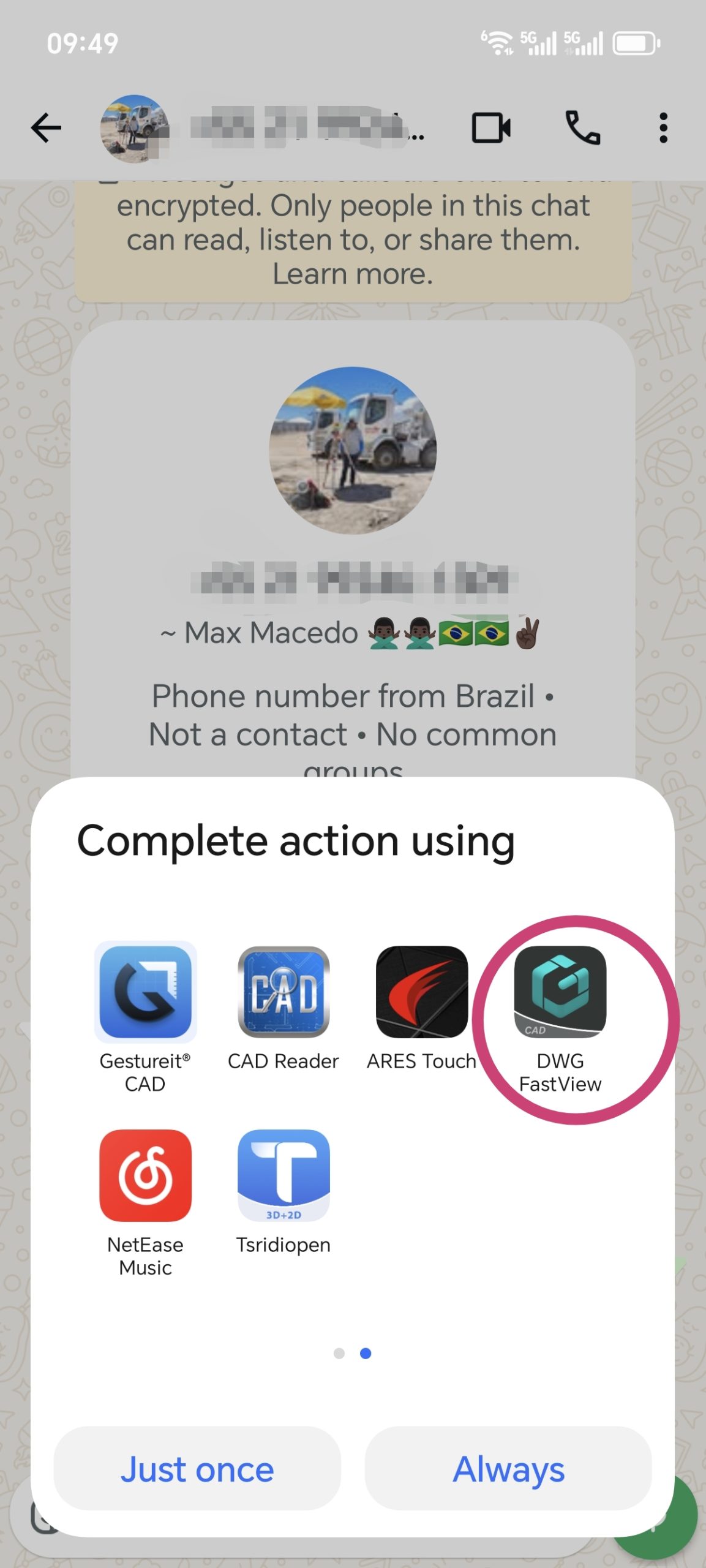
The latest version of DWG FastView fully supports sharing to WhatsApp. 당신은 보낼 수 있습니다 files smoothly, and they’ll be opened without issues. Also, if someone sends you a CAD file via WhatsApp (from any app), DWG FastView can open it. Files shared from DWG FastView to WhatsApp work in other CAD apps too.
한 가지 주의할 점: DWG 파일을 WhatsApp에 공유하면 “xxx.dwg.bin”으로 표시될 수 있습니다. 걱정하지 마세요. “.bin”은 WhatsApp에서 추가한 것이니까요. DWG FastView 또는 다른 CAD 도구로 여전히 열 수 있습니다.
DWG FastView를 최신 버전으로 업데이트하세요. 그래도 문제가 해결되지 않으면 문제의 화면 동영상을 녹화하여 보내주세요. 빠르게 수정해 드리겠습니다.

 DWG FastView는 무료 평가판을 제공하지만 모든 기능을 잠금 해제하고 모든 광고를 제거하려면 아래 버튼을 클릭하여 휴대 전화에서 DWG FastView 계정을 업그레이드하십시오. PC에서 업그레이드하려면 여기. 모바일 앱이나 웹 어디에서 계정을 업그레이드하든 VIP 계정은 동일하며 모바일, Windows, 웹 브라우저 등 모든 기기에서 사용할 수 있습니다.

관련 게시글
💬
Comments & Discussion
K
Karan Kumar Gautam
Sir mera drowning nahi khul Raha hai koi issue dikha raha hai
D
Dilip Shinde
I am happy for your servic
M
Md. Dulal Hossain
Documents not show , Edit issue rectify
M
Md. Dulal Hossain
Whatsapp File not show
✍️ Leave a Reply
Your email address will not be published. Required fields are marked *